How to Sign Up on Binance With a Referral Code (Web and App)
Step by step: where the referral field is on the website and in the mobile app, what to prepare before you start, and how to confirm the code was actually applied.
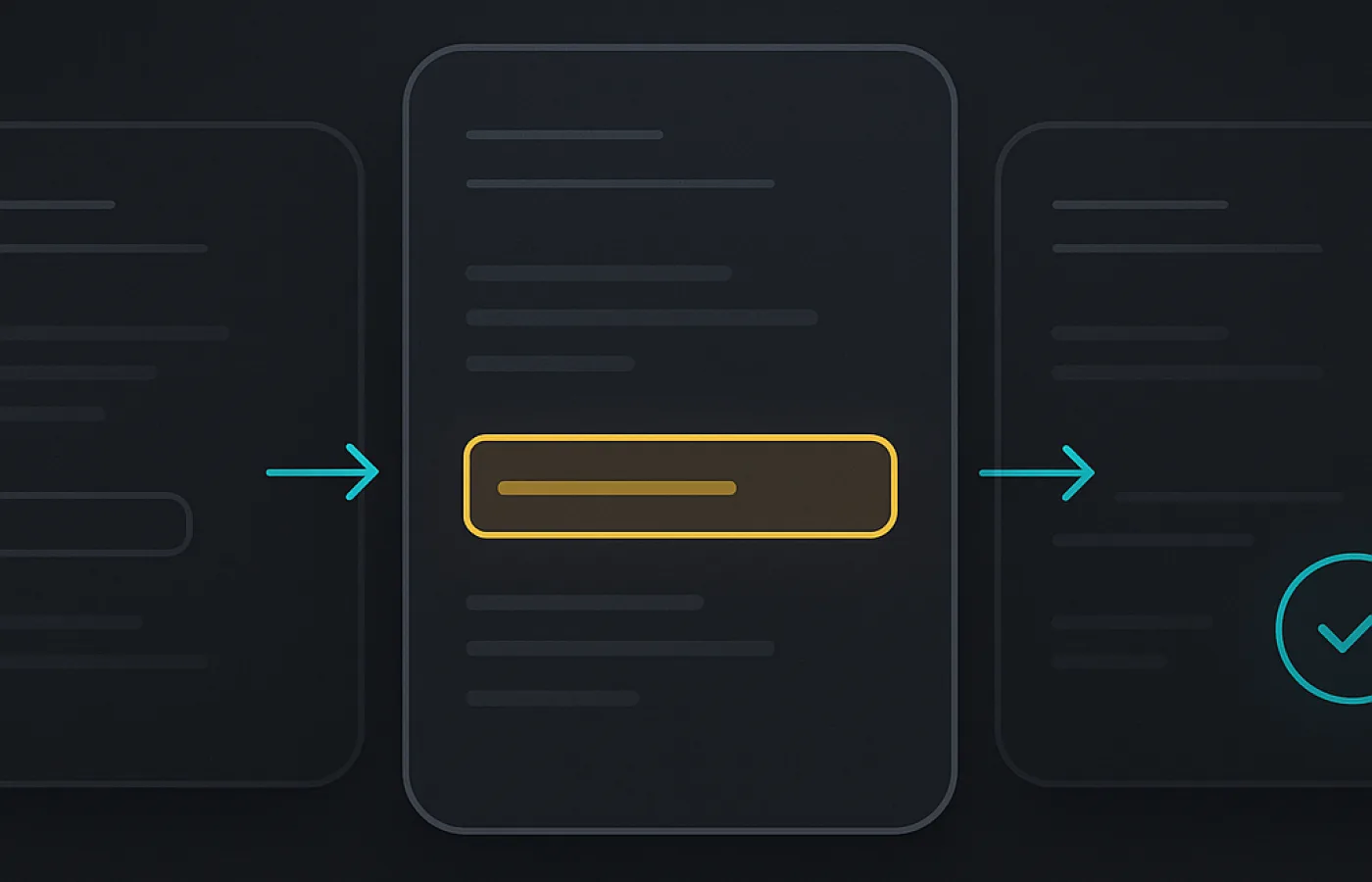
Registration takes about five minutes and the referral code only enters into one of those minutes. The order of operations matters, though, because the code field is easy to walk past and impossible to revisit.
This guide covers the web flow and the mobile app flow separately — they differ in one important way — plus the verification step that follows and what to do if something goes wrong halfway through.
Before you start
Two minutes of preparation removes almost every problem people run into.
- Copy the code SAM210826 to your clipboard, or open the referral link so the field arrives pre-filled.
- Have an identity document ready — passport, national ID or driving licence, depending on your country.
- Decide which email address or phone number the account will live on. Changing it later requires a security cooldown.
- Set up an authenticator app if you do not have one. You will want two-factor authentication switched on before any funds arrive.
- Check that Binance operates in your country and that you are of legal age there. Registering from a restricted jurisdiction can freeze the account at verification.
Signing up on the website
The web form is the more forgiving of the two because the referral field is visible on the same screen as the email and password.
- Open the registration page. If you used the referral link, the code is already in place — check it before continuing.
- Choose email or phone as your login method and enter it.
- Set a password. Use a generated one and store it in a password manager; this account will hold money.
- Expand the field marked "Referral ID (optional)" and paste SAM210826 if it is not already there.
- Accept the terms and submit. Enter the verification code sent to your email or phone.
- You now have an account. The referral link is set and cannot be changed.
Browser autofill sometimes overwrites the referral field when it fills in the email. Look at the field one last time immediately before submitting.
Signing up in the mobile app
The app hides the referral field one level deeper, which is where most missed codes come from.
After you choose email or phone registration, the code field is not on the first screen. There is a small link — usually "Referral ID (Optional)" or an "Add referral code" toggle — that expands it. On some app versions it sits behind the country selector at the top of the form.
If you cannot find it in the app at all, do not guess: register through the mobile browser instead, using the referral link so the field is filled automatically, then log into the app afterwards. The account is the same account; only the registration surface differs.
Identity verification
Binance requires identity verification before you can deposit, withdraw or trade meaningfully. This step has nothing to do with the referral code — the discount is already attached — but it is where new accounts get stuck.
- Use your legal name exactly as it appears on the document. Nicknames and transliterations cause rejections.
- Photograph the document flat, in daylight, with all four corners visible and no glare.
- The selfie step checks liveness. Remove glasses, face a plain wall, follow the on-screen prompts.
- Verification usually completes in minutes; occasionally it takes a day or two when a document needs manual review.
- If it fails, read the reason before resubmitting. Uploading the same rejected photo repeatedly can lock the flow for 24 hours.
Confirming the code was applied
Do not rely on having seen the field. Confirm it afterwards.
Open your account settings and find the referral or account information section. An account with a referrer shows the referring ID there. The fee schedule inside your account shows your effective spot and futures rates, and after your first trade the fee actually charged will reflect the discount.
Compare a real trade against the standard rate: a $1,000 spot market order at VIP 0 costs $1.00 without a discount and $0.85 with one. If your fee history shows the higher number, the code did not apply.
Common mistakes at each step
Every one of these has a cheap fix if you catch it before submitting the registration form, and no fix at all afterwards.
| Mistake | Consequence | Fix |
|---|---|---|
| Skipping the referral field | No discount, permanently | Check the field before submit |
| Autofill overwrote the code | No discount, permanently | Re-paste immediately before submit |
| Starting in one tab, finishing in another | Referral cookie lost | Complete registration in one tab |
| Name does not match the ID | Verification rejected | Use the legal name on the document |
| No 2FA before depositing | Account exposed | Enable an authenticator app first |
After the account exists
Before you deposit anything, spend ten minutes on the settings that protect the account. This order is deliberate: security first, funding second, trading third.
- Enable two-factor authentication with an authenticator app rather than SMS where possible.
- Set an anti-phishing code so genuine Binance emails are identifiable at a glance.
- Add a withdrawal address whitelist, so funds can only leave to addresses you approved in advance.
- Make a small first deposit and a small first trade to confirm the whole path works before committing size.
- Check your fee rate on that first trade to confirm the referral discount is live.
Never share your password, two-factor codes or seed phrases with anyone, including people claiming to be Binance support or the owner of a referral code. No legitimate party ever needs them.
SAM210826
The code can only be entered while you create the account. It costs you nothing and cannot be added later.
No referral code has been added for this exchange yet.
Get in touch: contactmail.bsam@gmail.com
No referral code has been added for this exchange yet.
Get in touch: contactmail.bsam@gmail.com
No referral code has been added for this exchange yet.
Get in touch: contactmail.bsam@gmail.com
No referral code has been added for this exchange yet.
Get in touch: contactmail.bsam@gmail.com
Questions about this page
Where exactly is the referral field on the Binance sign-up form?
On the website it is a collapsible field labelled "Referral ID (optional)" on the same screen as your email and password. In the app it sits behind an "Add referral code" link that you have to expand.
What if I close the page halfway through registration?
Start again from the referral link. Registrations abandoned partway can lose the referral association, so it is safer to restart from the link than to resume from a stale tab.
Do I have to verify my identity to get the fee discount?
The discount attaches at registration, but you need verification to deposit, withdraw and trade — so in practice you complete it either way.
Can I register on the website and then use the app?
Yes. It is the same account. Registering in a mobile browser through the referral link and then logging into the app is a reliable way to avoid the app's hidden referral field.
How soon does the discount start?
Immediately. It applies to your first trade, not after a waiting period.
Fee rates on this page were checked on 2026-08-21 against the exchange's official fee schedule. Rates can change without notice.